Get your files in 3 steps
Hotmart just sent you a message with your access link. It usually arrives in less than 5 minutes.
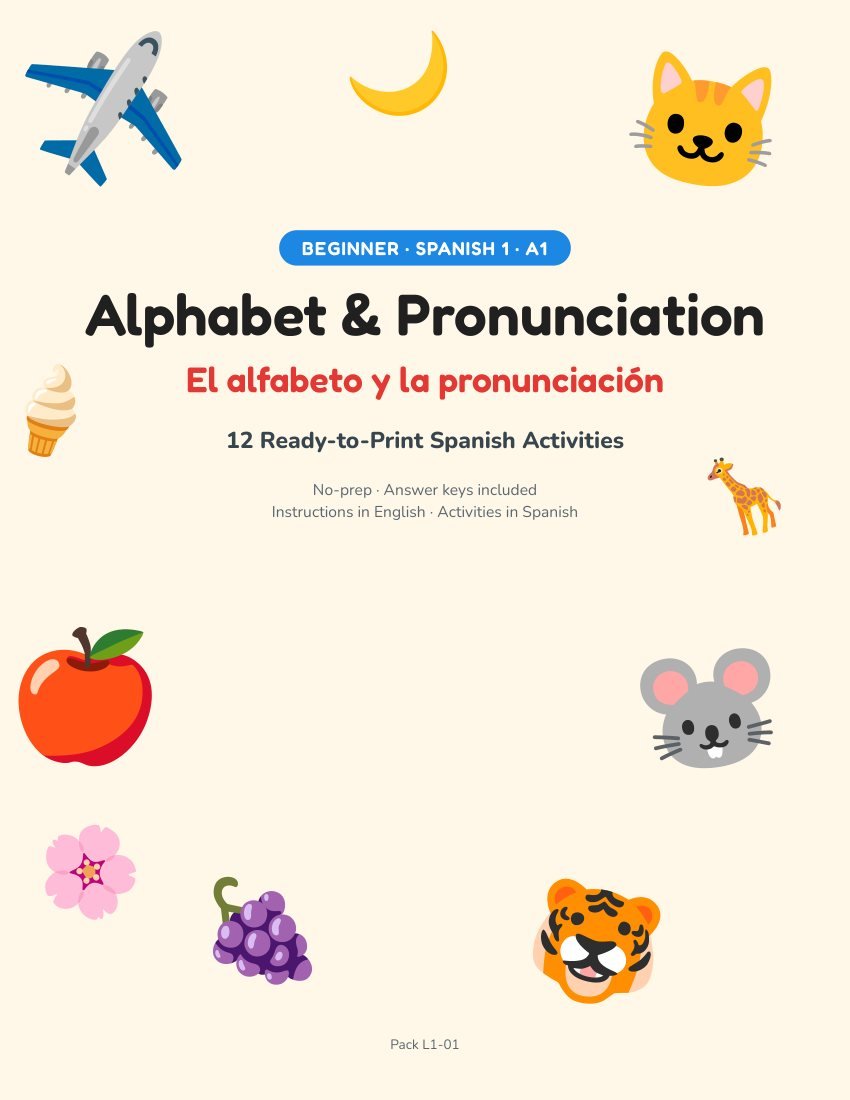
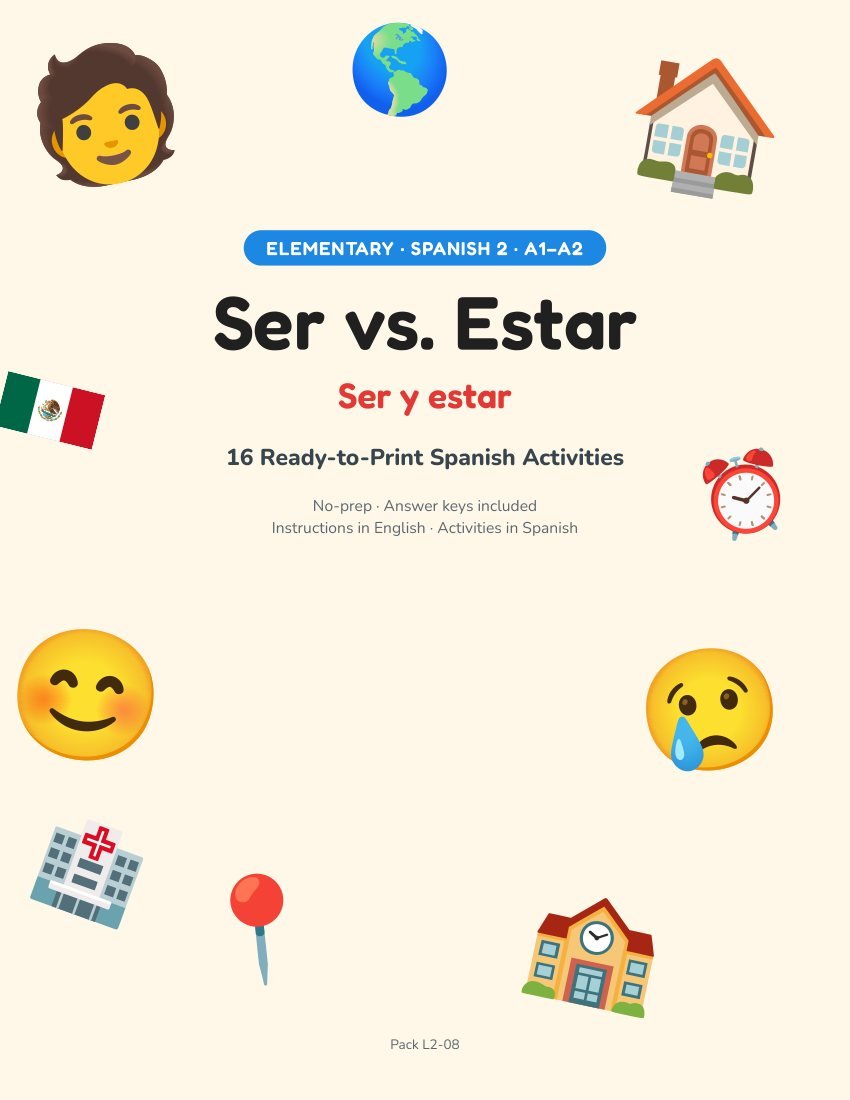
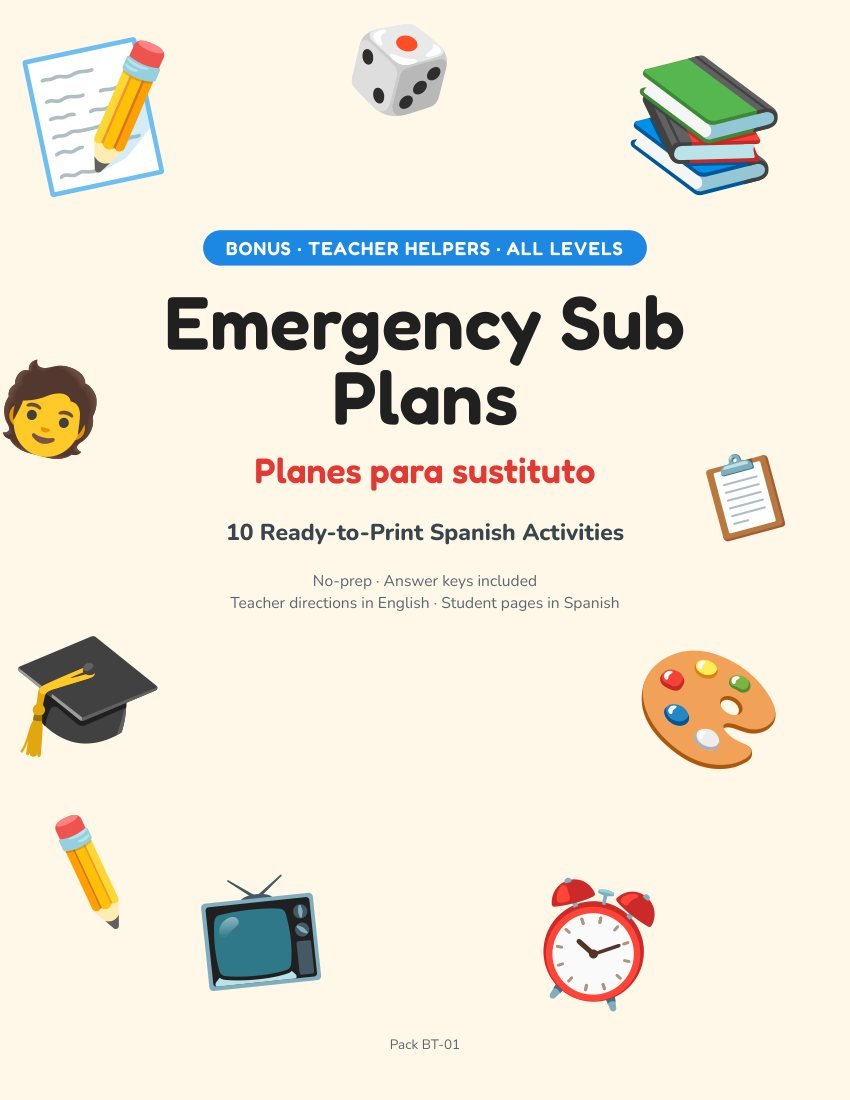
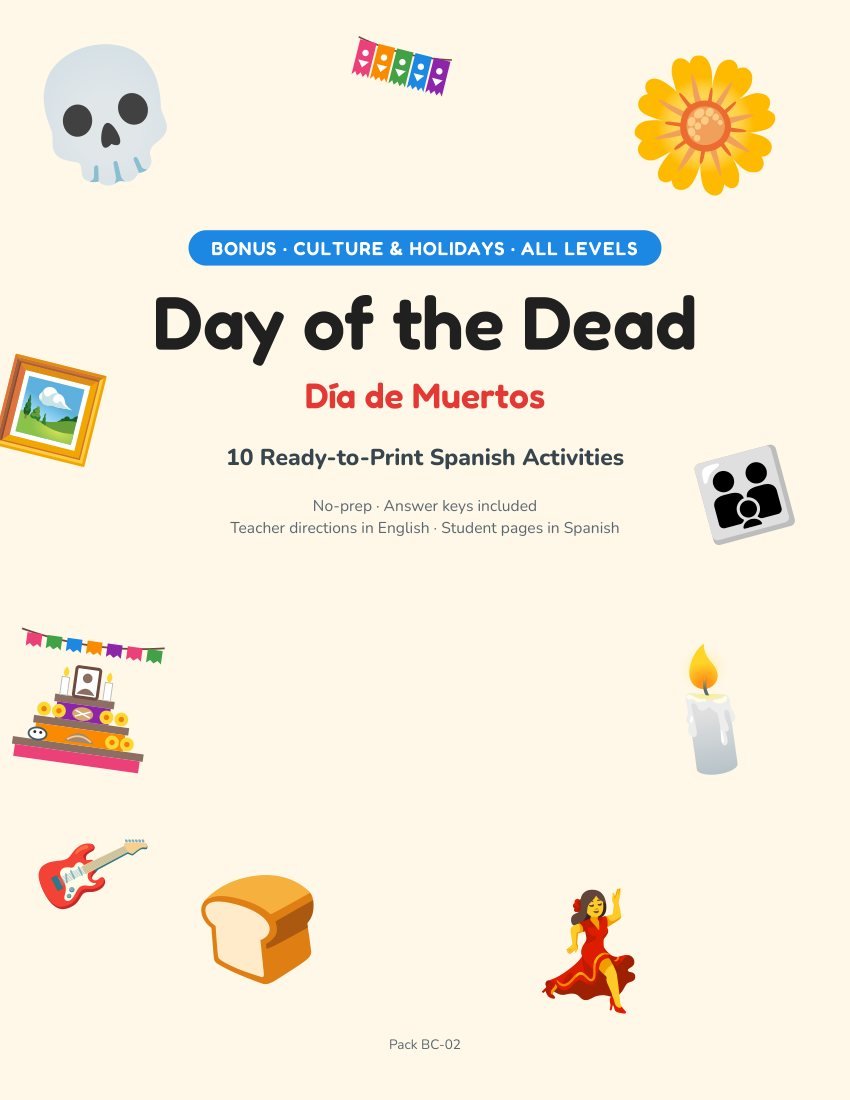
Everything is a PDF, ready to print. Start with 00_START-HERE.pdf: it lists all 47 packs and where each one is.
Pick a level, open the pack and follow the Teacher Guide at the start. No prep needed.
Where is everything?
Each level is saved in one to three PDF files. Open the file for your level, then use the Bookmarks panel in your PDF reader to jump to any pack.
| Level 1 | Beginner A1 · 1_Level-1 · 3 files |
| Level 2 | Elementary A1–A2 · 2_Level-2 · 3 files |
| Level 3 | Intermediate B1 · 3_Level-3 · 2 files |
| Level 4 | Upper-Intermediate B2 · 4_Level-4 · 2 files |
| Level 5 | Advanced / AP · 5_Level-5 · 1 file |
| Bonus 1 | Culture & Holidays · 6_Bonus-1 · 1 file |
| Bonus 2 | Teacher Helpers · 7_Bonus-2 · 1 file |
Not sure where to start?
Quick printing tips
- US Letter, 100%. Pages also print on A4: choose “Fit” if the edges are cut.
- Only what you need. Use a page range in the print window instead of the whole file.
- Games last longer on cardstock or laminated: flashcards, bingo and memory cards.
- Answer keys are near the end of each pack. Print them separately for yourself.
Bought an extra?
Order bumps and add-ons are separate downloads. They show up in the same Hotmart account, under the same email, as their own items in My purchases.
Need help?
If a file will not download or open, use the support option in your Hotmart confirmation email or in your Hotmart account and tell us what happened. Most issues are solved by downloading the file again or opening it with an up-to-date PDF reader.
Your license covers one teacher, for their own classroom or home. Please do not share the files.